There are hundreds of content creation AI tools out there, but a few of them are truly useful. With those tools any professional can create constant, engaging, and automated content in minutes, without sacrificing creativity or authenticity.
I have tested different tools while working on blogs, SEO pages, and content workflows. Some actually helped me move faster, while some just added another tab to my browser. This guide is not another random list. I will show you what actually worked for me, where these tools help, and where they don’t.
Next, you will discover the most useful AI tools to generate content for writing, video and SEO that boost your digital presence and strengthen your brand.
What will we cover?
- The different types of AI tools used in content creation
- The best AI tools for writing, visuals, video, and SEO
- When to use each tool
- Real workflows that save time
- What worked for me and what didn’t
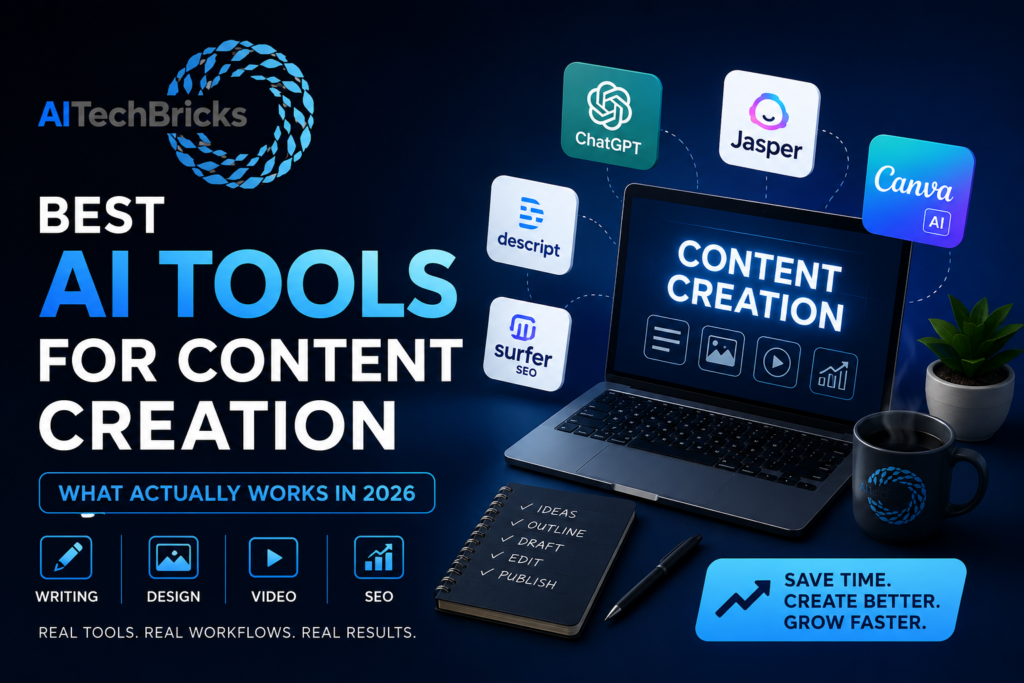
Best AI Tools for Content Creation (Quick Answer)
This is a quick snapshot for you:
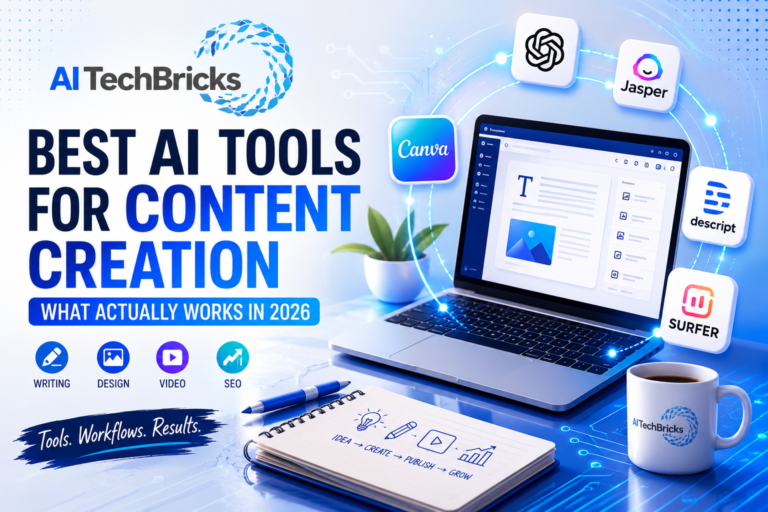
- ChatGPT → writing and ideas
- Jasper → structured content creation
- Canva AI → visuals
- Descript → video editing and audio
- Surfer SEO → optimization
This setup alone covers most content workflows.
What Actually Worked for Me
I noticed something while testing different tools. ChatGPT works well when you already have a direction. If you are not clear about it, then the output becomes generic very quickly.
Surfer SEO helped, but only after I had a solid draft. Using it too early slowed me down.
Canva saved my time, but using templates too much made everything look the same.
The biggest improvement did not come from adding more tools. It came from using fewer tools more effectively.
Types of AI Tools for Content Creation
Most people try one tool and expect it to handle everything. Well, you might already know that it doesn’t work. Every tool is built for a specific part of content creation. Once you understand that, choosing becomes much easier, and the output will be in your tone as you wanted.
AI Writing Tools
This is one of the highest-demand categories. Most people use these tools almost every day. They help with writing blogs, ads, emails, and even scripts. Tools like ChatGPT, Jasper, and Copy.ai fall into this category. If you are creating content regularly, this is where you have to start.
AI for Image & Design Tools
Content is not just text anymore. Visuals matter. Canva AI and similar tools help create blog graphics, social posts, and visuals faster, especially if design is not your strongest area. I use these tools to create blog featured images, comparisions, tables for our AITechBricks.com.
Video and Audio AI Tools
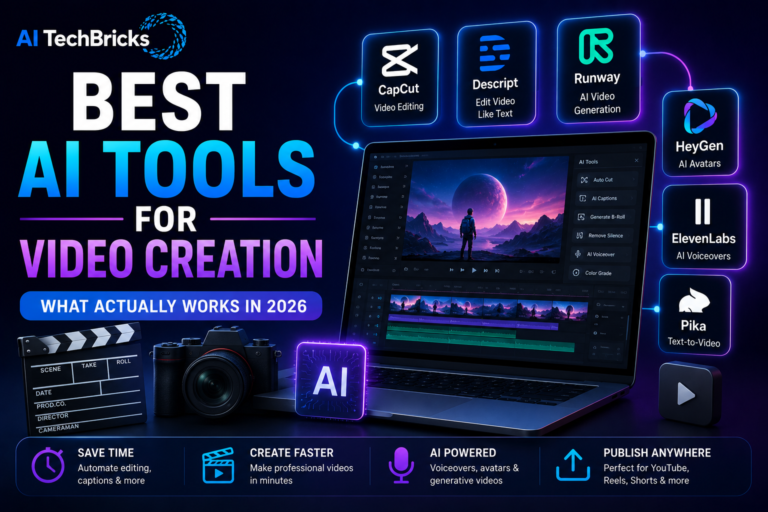
Video content is growing quickly. Tools like Descript help with editing, captions, scripts, and audio. This is useful if you are creating reels, YouTube videos, or podcasts. I have used this for my YouTube video and it was quite useful.
AI Tools for Content Optimization
Writing is one part. Ranking is another. Tools like Surfer SEO help optimize content based on what is already working. If traffic matters, this category matters.
AI Tools for Content Creation Comparison Table
| Tool | Category | Best For | Free | Paid |
|---|---|---|---|---|
| ChatGPT | Writing | Drafts and ideas | Yes | Yes |
| Jasper | Writing | Marketing content | No | Yes |
| Canva AI | Design | Visual content | Yes | Yes |
| Descript | Video | Editing and captions | Yes | Yes |
| Surfer SEO | SEO | Content optimization | No | Yes |
You don’t have to try all these tools at once. Just start with the problem you have and how to solve it with these tools.
Best AI Tools for Content Creation by Use Case
We have seen the tools for each category, but we should also know how to use them effectively in our daily workflow. Below are the use cases of how these tools can be connected and make the most out of them which saves lots of time.
For Blog Writing
- ChatGPT → fast drafts
- Jasper → structured content
Start with ChatGPT and add Jasper if you need more control.
For Social Media Content
- ChatGPT → captions and ideas
- Canva → visuals
Simple setup, but it works well.
For Visual Content
- Canva AI → graphics and design
This is probably the easiest entry point.
For Video Content
- Descript → editing and scripting
This is useful for creators working with audio and video.
For SEO Content
- Surfer SEO → optimization
Use it after writing, not before.
Here I have given 1 or 2 for each category because we don’t wnat 100’s of tools to get the desired output, just a few and the best ones are enough. All you have to do it master them and get the best out of it. No tool gives the best output at the time of just signup. Building history, talking and explaining does.
When to Use AI Tools for Content Creation
Use ChatGPT when you need speed
If you are stuck or starting from scratch, this will get you move quickly.
Use Jasper when you need structure
Better for marketing-focused content and workflows.
Use Canva when visuals matter
Useful for blogs, social content, and quick graphics.
Use Descript when working with video
Makes editing easier and faster.
Use Surfer when you want content to rank
Best used after writing.
Real AI Workflows for Content Creation
When you use one tool, it helps, but when you combine different tools together for every task, that is where the real game begins.
Blog Workflow
- ChatGPT → Surfer SEO → Canva
- Draft → optimize → visuals
Social Content Workflow
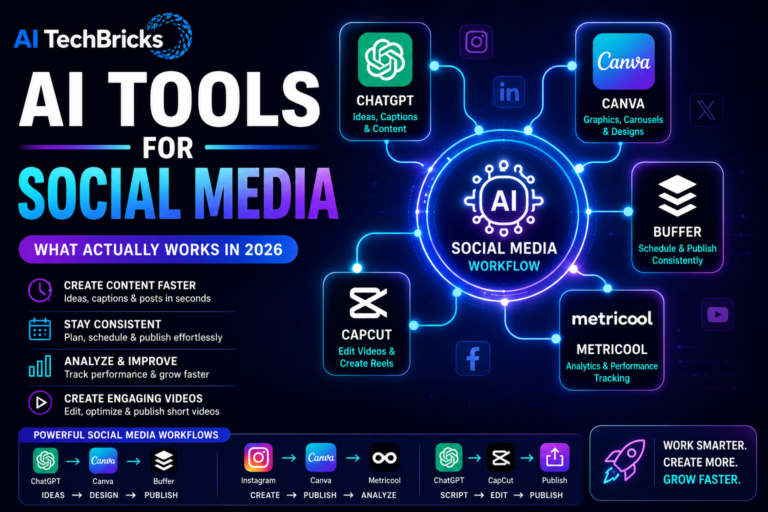
- ChatGPT → Canva → Buffer
- Ideas → visuals → scheduling
Video Workflow
- Script → Descript → Publish
- Write → edit → publish
Insights from Using AI Tools for Content Creation
Most of the tools can generate the content but only few tools can improve the quality. The main difference comes only in how you use them. To get a better output, you should use the right tools in the right order.
What Didn’t Work for Me
I have used many tools, but not many AI tools have improved the content quality. I have also noticed that using too many tools slowed me down. Keeping things simple worked better, actually.
How to Choose the Right AI Tools for Content Creation
Before getting into any tool, start with your task. If you need writing, then use writing tools; if you need visuals, then use design tools; if you need traffic, use optimisation tools. That is it. Keep it simple, and it makes wonders.
Free vs Paid AI Tools for Content Creation
Our work can easily be done with the free version of the tools. To get started, the free version is good to go, but if you have already scaled it to 100%, then go with the paid version, as it saves time.
That is usually where the difference shows up.
Conclusion
Every tool can create everything, but to get the best advantage from the tools, learn how to use them. Start simple, create a workflow or use the workflows given above, and get the best output.
Frequently Asked Questions
-
What are the best AI tools for content creation?
There isn’t one tool that does everything. For writing, ChatGPT and Jasper are among the most popular choices. Canva AI works well for visuals, Descript helps with video editing, and Surfer SEO is useful for optimizing content. Most creators use a combination of tools rather than relying on just one.
-
Which AI tool is best for writing blogs?
ChatGPT is usually the easiest place to start because it helps with ideas, outlines, and first drafts. If you need more structured marketing content, Jasper is another good option. The best choice depends on your workflow and how much control you want over the output.
-
Can I create content using AI for free?
Yes. Many AI tools offer free plans, and they are enough to get started. For example, you can use ChatGPT for writing and Canva AI for visuals without spending money. As your needs grow, paid plans can help you save more time and improve efficiency.
-
Do I need multiple AI tools?
In most cases, yes. One tool may help with writing, while another handles visuals or optimization. That said, you don’t need five or ten tools on day one. Start with one or two tools and expand only when you actually need them.
-
Can AI replace content creators?
No. AI can speed up research, writing, editing, and other repetitive tasks, but it can’t replace creativity, experience, or human judgment. Think of AI as an assistant rather than a replacement.
-
What is the biggest mistake people make when using AI for content creation?
The biggest mistake is expecting one tool to do everything. Most AI tools are designed for specific tasks. Trying to use a single tool for writing, design, SEO, and video often leads to average results. In my experience, simple workflows with two or three tools work much better than complicated setups.