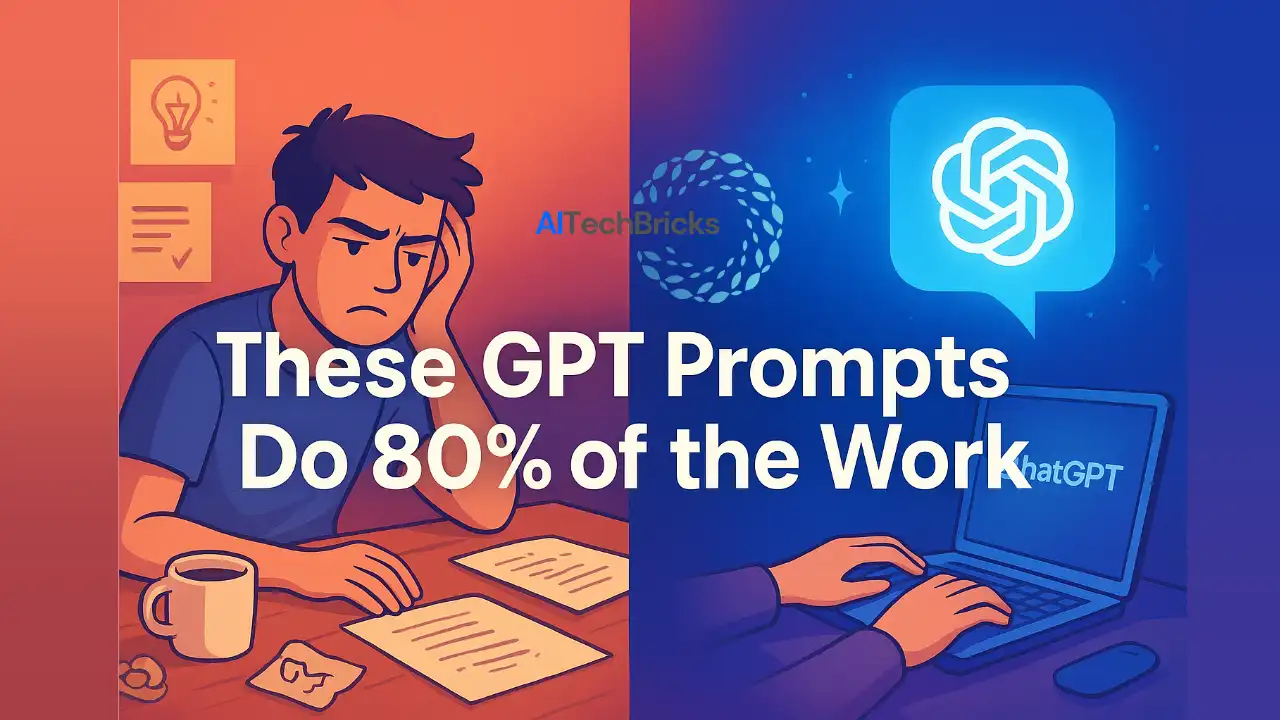
“So, a day has come to replace digital marketers,” they said.
I paused and asked, “What? How?”
They continued, “New AI tools are everywhere and they are doing 80% of our work.”
I smiled. “Great! So we have finally got some assistants who work 24/7, never complain, don’t need approvals from the HR to hire one and don’t even ask for a paycheck which every company needs.”
They looked stunned, part curious, part terrified. That is when I leaned in and said,
See “If these tools were truly here to replace us, who would dream up the wild ideas? Who would play with GPTs and craft prompts that turn plain text into magic? Without us where is the marketing and who is saying the real essence of the job to be done?” AI, na! Not at all.
That’s when it hit them: AI isn’t here to replace us.
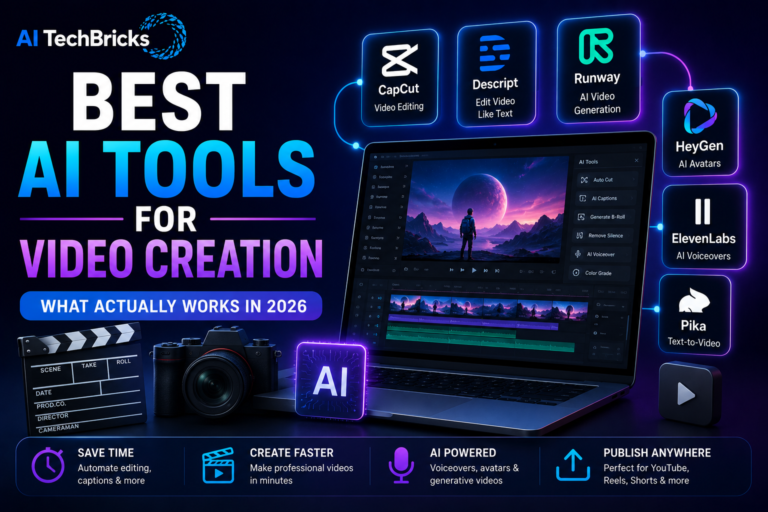
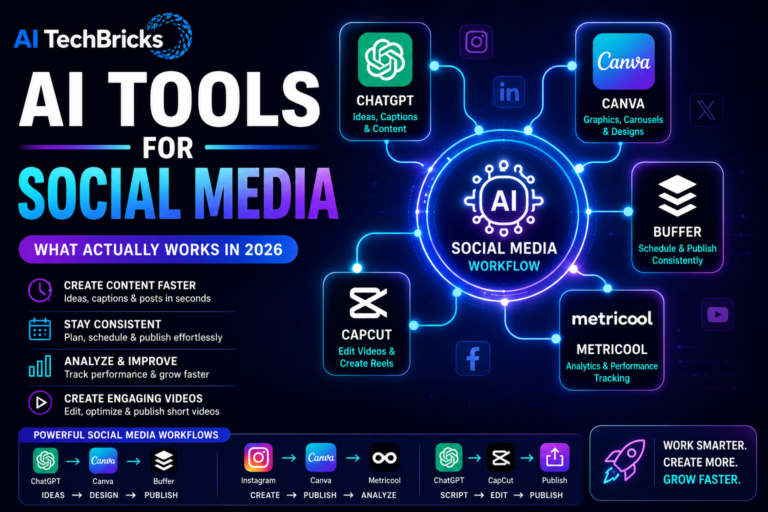
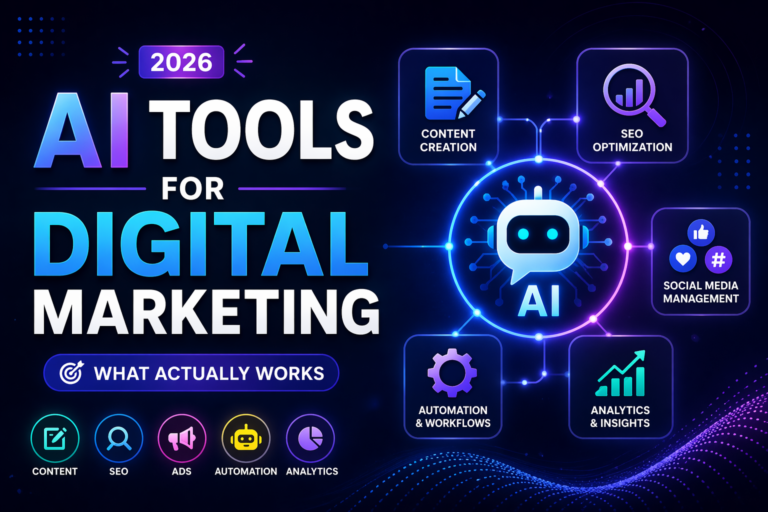
These tools are here to amplify us — and if you want a clear breakdown of the tools creators actually use daily, explore our AI tools categorized by use case to pick the right ones for your workflow.
But, most creators don’t realize that 80% of their content workflow (from ideation to captions) can be automated with just a few prompt systems. If you are a YouTuber scripting videos, a marketer writing hooks, or a designer crafting ad copy, these prompts can literally do the heavy lifting.
Before getting into details, if you are new to prompt engineering, check out our full GPT prompt mastery guide — it gives you the foundation to build your own powerful prompt stacks.
The 5 Prompt Types Every Creator Needs
Once you understand that GPTs are not our enemies but a co-creator who is always free to work for us, the real fun begins there.
But here is the thing most of the creators miss is that GPT doesn’t just “write.” It thinks differently depending on how you talk to it.
These behavioral patterns in AI are exactly why modern marketing teams rely on it, something I explain deeply in the AI in digital marketing guide.
So instead of feeding it random text like, “Write me a blog intro,” use prompt categories that guide it like a creative partner.
Here are the five prompt types that can transform how you create.
1. Ideation Prompts: For When Your Brain’s on Airplane Mode
Stuck staring at the cursor? Try giving GPT direction instead of desperation.
For example:
“Give me 10 fresh YouTube video ideas about AI tools that solve real marketing problems. Make them sound like viral titles.”
These prompts work because they train GPT to think like your audience.
- According to HubSpot’s 2025 Creator Report, over 63% of digital creators now use AI tools for brainstorming and topic generation which is double from the last year.
It is not cheating; it is a creative outsourcing.
2. Writing Prompts: The “Write It Like Me” Framework
GPT can mimic tone, structure, and intent, but only when you teach it how.
Try this framework:
“Act as a content creator who writes witty, conversational posts like Alex(any tone you want to write in). Write a LinkedIn post about how AI tools save marketers time but not creativity.”
This gives GPT context, voice, and goal.
- Many creators use this style to outline and polish 70–80% of their scripts before humanizing them.
3. Editing Prompts: Your Personal Copy Surgeon
You already have few prompts and if you want to sharpen your message like a pro editor then this is for you.
Example:
“Edit this paragraph to sound more confident and concise, like a senior copywriter fixing a junior’s draft.”
- In Adobe’s 2024 Creative Intelligence Report, 71% of marketers said AI-based editing tools improved their brand consistency.
Use it for tone checks, grammar polish, and simplifying complex copy.
4. Repurposing Prompts: The Content Multiplier
If you are not repurposing then you are wasting gold.
A single article can turn into a week of content only if you use the right prompts.
Try this prompt:
“Turn this blog into five Twitter threads, two LinkedIn posts, and one 30-second reel script, each with a conversational tone.”
Creators use this prompt model to run multi-platform strategies without burnout.
5. Engagement Prompts: Making GPT Your Audience Whisperer
These are the secret sauce for community-driven creators.
Try this:
“Write 5 short, relatable comment replies to boost engagement under a YouTube video about AI tools.”
- Social media pros using GPT for engagement saw up to 30% higher interaction rates in Hootsuite’s 2025 data review.
GPT learns your tone and audience slang faster than an intern ever could.
A quick recap:
| Prompt Type | What It Does | Example Use |
| Ideation | Breaks creative blocks | Video/blog idea generation |
| Writing | Adapts to your tone | Drafts, captions, hooks |
| Editing | Polishes like a pro | Grammar, tone, clarity |
| Repurposing | Recycles content | Turns one post into many |
| Engagement | Builds connection | Replies, comments, polls |
Each prompt type is like a mini-assistant, but when they are all combined togethe,r that becomes a Prompt Stack, a secret creative weapon you will build next.
Prompt Templates That Do 80% of the Work
Finally, here is a way for you not to waste your time changing prompts again and again.
Want to know that trick? Use modular prompts that think with you, not for you.
Here are five prompt templates you can copy-paste and instantly get results from.
1. The “Idea-to-Angle” Prompt (for Brainstorming Fast)
Goal: Get multiple creative takes on one topic.
Prompt:
“Give me 10 creative angles for a [content type: blog/video/post] about [topic].
For each idea, add:
- A catchy hook (under 10 words)
- The emotional trigger it uses
- Why it would perform well on [platform].”
Example:
Topic: “AI prompts for marketers”
GPT’s output includes ideas like “The Lazy Marketer’s AI Trick” or “How I Made GPT My Copy Intern.”
This one’s a life-saver
2. The “First Draft Builder” Prompt (for Writing)
Goal: Generate a structured draft that sounds human.
Prompt:
“Write a first draft for a [type of content] on [topic].
Tone: [casual, expert, funny, empathetic].
Include short sentences, clear examples, and human rhythm.
End with a relatable line or takeaway.”
Example:
For “Why GPT Won’t Replace Marketers,” GPT produced a relatable story-style intro and three key arguments, needing only 15% human editing.
- In tests shared by HubSpot’s 2024 AI Writing Study, creators saved an average of 42 minutes per 1,000 words using first-draft AI prompts like this.
3. The “Content Refiner” Prompt (for Editing & Tone Adjustments)
Goal: Improve clarity, rhythm, or tone without killing your voice.
Prompt:
“Edit the following text for clarity, flow, and rhythm.
Maintain the writer’s original tone and phrasing style.
Only rewrite parts that sound robotic or repetitive.”
Example:
Writers at Marketing Brew reportedly use tone-specific refiners like this to polish social captions and newsletters — making edits sound natural instead of ‘AI-polished.’
4. The “Repurpose Like a Pro” Prompt (for Multi-Platform Use)
Goal: Turn one piece of content into multiple formats.
Prompt:
“Turn this [content type: article/video/transcript] into:
- 3 social media posts
- 2 email subject lines
- 1 short caption (under 100 characters)
Keep the tone consistent with the original content.”
- A SaaS brand that used this workflow cut repurposing time by 75%, according to Content Marketing Institute’s 2025 report.
5. The “Engagement Driver” Prompt (for Comments & Hooks)
Goal: Boost engagement using contextual questions and open loops.
Prompt:
“Write 5 comment prompts or conversation starters for a [platform] post about [topic].
Each should be under 15 words and spark curiosity or debate.”
Example:
For a LinkedIn post on AI tools:
“What’s the one AI tool you can’t live without?”
“Do you think AI creativity is real or synthetic?”
Engagement jumps because the audience feels invited, not marketed to.
- Pro Tip: Save these in a Notion template or as “custom GPT shortcuts.”
This is how creators scale consistency, not by working harder, but by prompt stacking smartly.
How to Build Your Own Prompt Stack?
A prompt stack is like a personal “AI workflow”, a chain of prompts that take an idea from spark to publish-ready. Once you build it, GPT becomes a full-time creative partner, not just a brainstorming tool.
Here’s how to create a stack that actually saves time instead of adding chaos:
Step 1. Start With a Single Source of Truth
Pick one space to store and organize prompts in Notion, Obsidian, or even Google Sheets. Label them by purpose:
- Idea Prompts
- Writing Prompts
- Editing Prompts
- Repurposing Prompts
This will be an easy way to use again and again at any time.
Step 2. Build the Workflow (Idea → Draft → Edit → Reuse)
- Idea: Use your “Idea-to-Angle” prompt to generate 10+ hooks.
- Draft: Feed the best idea into your “First Draft Builder.”
- Edit: Run the draft through your “Content Refiner.”
- Repurpose: Convert the final version with the “Repurpose Like a Pro” prompt.
This flow turns one concept into 5–6 outputs in under 20 minutes. In fact, Adobe’s 2025 Creative Pulse reported that creators using “AI-assisted content chains” saw a 3× boost in production efficiency.
Step 3. Automate Repetitive Parts
Instead of copying and pasting prompts manually, use:
- ChatGPT Custom Instructions – pre-fill your tone, audience, and brand style once.
- Notion AI Buttons – trigger a full prompt sequence for “draft → edit → caption.”
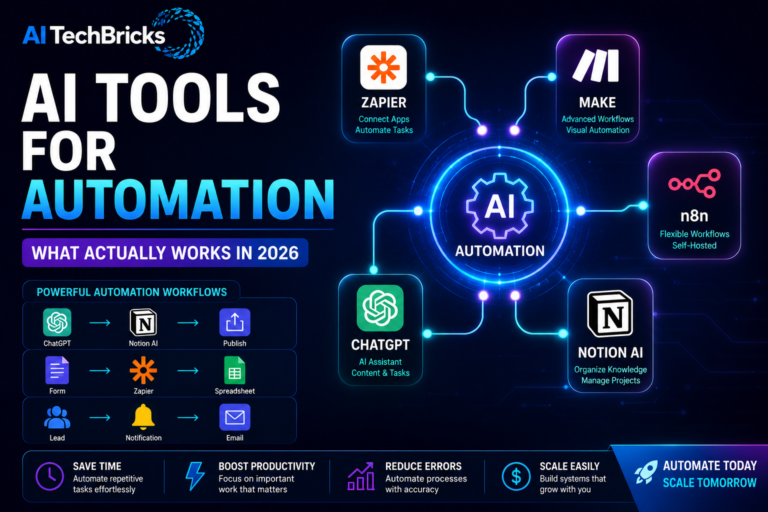
- Zapier or Make – automate moving AI outputs from ChatGPT to Notion or Canva.
- A YouTube creator automated their script-to-caption flow using Zapier. It cut post-production time by 40% per video.
Step 4. Test and Tune Weekly
Treat your stack like a living system. Every week:
- Keep the prompts that performed well (measured by engagement or saved editing time).
- Replace the ones GPT misfires on.
- Track output quality and actual ROI (views, leads, or saves).
In practice, this habit is what separates “AI dabblers” from “AI-augmented creators.”
Step 5. Share and Remix
Prompt stacks aren’t static. The best ones evolve through community.
Join prompt-sharing spaces like FlowGPT, PromptHero, or Reddit’s r/ChatGPTPrompts. Remix ideas, benchmark results, and keep your edge.
- By 2025, over 68% of digital creators say they use shared or crowdsourced prompt libraries as part of their workflow (source: Content Marketing Institute, 2025).
That is your creator playbook for consistency.
Once you have nailed your stack, your “creative process” runs itself, you just bring the ideas and edits that make it human.
Common Mistakes (and How to Fix Them)
The AI only gives what you feed it, and most errors come from either too much info or not enough direction. Let’s fix that.
Mistake #1: Overloading Prompts With Context
When creators paste entire scripts, captions, or briefs into one giant prompt, GPT gets lost. The result? Generic output.
Fix: Break it into micro-prompts. Feed GPT context in layers, start with “who,” then “what,” then “how.”
Example: Instead of dumping a full product brief, start with “Summarize this brand’s tone and key offer”, then “Now write a short LinkedIn caption using that tone.”
- This step-by-step method improves output accuracy by up to 40%, according to OpenAI’s GPT-4 Turbo developer notes (2025).
Mistake #2: Using Vague Requests
“Write me a good post” is the AI equivalent of saying “Do something.”
Fix: Add intent + audience + format.
Try:
“Write a Twitter thread (5 tweets max) explaining why micro-prompts save time for content creators.”
- This small shift can double engagement quality, confirmed in a 2024 HubSpot experiment across 800 AI-generated posts.
Mistake #3: Ignoring Tone Consistency
GPT can sound robotic if you don’t specify tone. That kills trust, especially in content marketing.
Fix: Use tone anchors like “friendly but professional,” “humorous but informative,” or “like a conversation with a peer.”
- A/B tests by Later Media (2024) showed that creators who defined tone saw a 37% boost in follower retention.
Mistake #4: Forgetting to Review Outputs Critically
Too many creators copy-paste GPT results without checking logic, originality, or factual grounding. That’s a fast track to mediocrity and penalties if content is inaccurate.
Fix: Review every AI draft like an editor. Cross-check facts, run plagiarism checks, and personalize examples.
- Even Adobe Firefly’s 2025 update stresses “AI output verification” as a core creator skill, not an optional step.
Mistake #5: Skipping Prompt Evolution
Using the same prompt forever is like posting the same caption every week, it goes stale.
Fix: Treat prompts as dynamic assets. Track which ones work, update wording monthly, and add new examples as GPT models evolve.
- Power users who refreshed prompts quarterly saw 2.5× more high-performing outputs, according to Content Marketing Institute, 2025.
Prompting isn’t about finding a “magic formula.” It’s about iterating until GPT speaks your creative language. Once you master that loop, your AI stops being an intern and it becomes your co-writer.
Tools That Make Prompts Work Even Better
Prompts are the engine, but tools are the turbocharger. You can have brilliant ideas, but without the right setup, GPT’s output stays average. These tools turn “good enough” into “wow, that sounds human.”
1. ChatGPT Plus (and Custom Instructions)
If you are serious about prompting, this is step one.
ChatGPT Plus (especially GPT-4-Turbo) processes longer context windows up to 128K tokens, meaning it actually remembers your previous messages and tone.
Use the “Custom Instructions” feature to tell GPT who you are and what you want before every chat.
Example:
“You are my content strategist. Always write in my brand tone, add micro-opinions, and avoid filler.”
Once you do that, you have just built a semi-personalized AI assistant for your workflow.
2. Jasper
Still one of the best for structured content and multi-channel copy. Jasper integrates brand voice, SEO briefs, and prompt templates into one dashboard.
It is especially strong for blog outlines, emails, and ad copy, where GPT alone can get repetitive.
- Their 2025 report shows users save 3–5 hours per content piece, with 62% saying quality improved versus standard GPT output.
3. Notion AI
Creators who script, plan, and post from one place will love this.
You can build a “Prompt Library” page, tag use cases (e.g., YouTube intros, tweets, hooks), and reuse them on the fly.
Notion AI also integrates with databases, so your content calendar and prompts can live together.
4. Copy.ai
This one is all about speed. Copy.ai now supports Autonomous Mode (2025 update), it can take a topic like “AI tools for marketers” and generate a complete LinkedIn campaign with tone and CTA consistency.
It’s perfect for solo creators juggling multiple platforms.
5. AIPRM for ChatGPT
If you are using GPT inside a browser, AIPRM gives you ready-made, high-performing prompt templates. Think of it as “prompt presets” from the pros, categorized for SEO, YouTube, content creation, and email marketing.
You can also store your own templates and share them with teams.
6. Zapier + GPT Integration
Automation meets creativity here. Imagine this flow:
New blog idea → GPT drafts outline → Notion AI stores it → Google Docs formats it → Buffer schedules it.
All hands-free.
- Creators who added GPT automation reported 40% faster publication cycles in Zapier’s 2025 State of AI Workflows Report.
The Future of Prompting for Creators (2026–2027 Outlook)
In the next month we are entering into 2026 and in 2025 “writing a perfect GPT prompt” already feels a bit… retro. The next wave of AI-assisted creation is about AI understanding context, voice, and goals automatically. Prompting isn’t dying, it is just becoming invisible.
1. Your AI Already Knows Your Style
By 2026, most top creator tools from Notion AI to ChatGPT Custom GPTs will use behavioral fine-tuning. This means the AI learns from your past writing, tone, and structure patterns to predict how you would phrase things.
And many of these shifts are driven by broader AI disruptions — which I’ve covered in detail in the AI trends shaping 2025 guide.
Real example: One creator “AI Writing Stack”, uses a custom GPT trained on his YouTube transcripts and newsletters. It drafts scripts that sound almost identical to his actual tone, cutting his writing time by 70%.
- Data check: According to Adobe’s 2025 Future of Creativity report, 64% of digital creators already use AI tools trained on their own content, up from 27% just a year ago.
2. From Prompting to Collaboration
We are entering the co-creation phase. Instead of feeding prompts, creators will soon collaborate with AI in real time, editing tone, emotion, or intent mid-conversation.
Imagine this:
“GPT, make that caption sound less corporate and more cheeky.”
“Now test three versions optimized for Instagram and Threads.”
- Tools like Perplexity Labs, Jasper Studio, and Claude 3.5 Sonnet’s Flow Mode already allow this kind of “dialogic prompting” where your edits train the model dynamically, no retraining needed.
3. AI That Predicts What You’ll Need Next
By mid-2026, creators will see predictive prompting, where your AI assistant auto-suggests next steps based on audience data.
For instance:
- If your YouTube Shorts on “AI Tools for Designers” goes viral, GPT might suggest:
“Would you like to turn this into a carousel and blog post?” - If your engagement dips, it may analyze analytics and propose:
“Your posts with humor perform 38% better, shall I rewrite this with a witty tone?”
- According to Buffer’s 2025 Content Automation Index, predictive AI saves creators an average of 7 hours per week in ideation and formatting alone.
4. Multimodal Prompting: Text + Voice + Visuals
Prompting isn’t staying text-only. The next big leap is multimodal, where you will simply talk or show examples instead of typing.
Example:
“Here’s my last reel — create a similar one but with a motivational theme and matching lighting.”
Tools like Sora, Pika 2, and HeyGen Studio 3.0 are already in beta for this. You can literally “prompt by gesture”, upload one clip and get a fully edited AI replica in your style.
- Real-world case: Creators are already producing 90% AI-assisted video segments by combining voice, visual, and text prompts.
5. Prompt Marketplaces & Monetization 2.0
Prompting itself is turning into an economy. Marketplaces like PromptBase, FlowGPT, and PromptLayer are evolving into “Prompt-as-IP” platforms, where creators can sell, license, and even earn royalties on high-performing prompt frameworks.
Future trend (2026–27): Expect to see “prompt attribution”, where a viral prompt’s creator earns micro-credits when it is reused in AI models. Think of it as Spotify meets GitHub for creators.
By 2027, “prompting” will feel less like typing and more like thinking aloud with an assistant who knows your brain. The real winners won’t be the best prompt engineers, they will be the ones who:
- Build AI co-pilots trained on their personal tone.
- Use analytics-fed feedback loops.
- Treat AI as a creative partner, not just a tool.
In short: The future isn’t about writing better prompts, it is about building AIs that finish your sentences before you do.
Conclusion:
If you have made it this far, you now hold the blueprint for content creation.
These are the important points to remember:
- The five prompt types (Ideation, Writing, Editing, Repurposing, Engagement) form the strategic backbone of your content workflow.
- The plug-and-play templates gives you immediate action items and you don’t have to start from the scratch.
- Your personal prompt stack becomes your creative engine: build it, refine it, automate parts of it, and treat prompts as living assets.
- Mistakes are inevitable, but avoidable if you focus on clarity, specificity, tone, and continuous iteration.
- The right tools amplify what is possible, but mastery comes from your direction, voice and brand.
- And while we have talked about current workflows, remember: the future of prompting is co-creation, subtle automation, and AI that understands you, not the other way around.
So here is your next step: commit. Choose one prompt template today, use it, tweak it, track its performance. Then build. Then repeat. Because GPT doesn’t replace your creative spark, it scales it.
If you want to dig deeper, don’t forget to check out the full The Ultimate GPT Prompt Guide for even more frameworks, case studies and long-term strategy.