As a digital marketing expert, I was never surprised with the AI, as I use few 100’s of tools everyday for analytics, trends, keywords, news, topics, and more. But, when GPT’s came into picture it became easy for everyone to create a content that fits their needs, and this is something new, because no tools would provide a good piece of content back then.
But, now, that is in 2025, there are tools beyond creating just content, which saves a lot of time. For example, creating a visual graphic report which takes hours for us, and for GPTs it’s a cup of coffee time. Amazing isn’t it?
So, if you are stuck at creating only content, then these brilliant tools are for you to explore more, create more and grow more.
I spent weeks testing, comparing, and collecting feedback from real users across Reddit, Product Hunt, and LinkedIn to curate the top 60+ AI tools that actually make your life easier.
So, what are you waiting for? Let’s check all the AI tools in every category, so it will be easy for you to pick the best and easiest one to get started.
Table of Contents
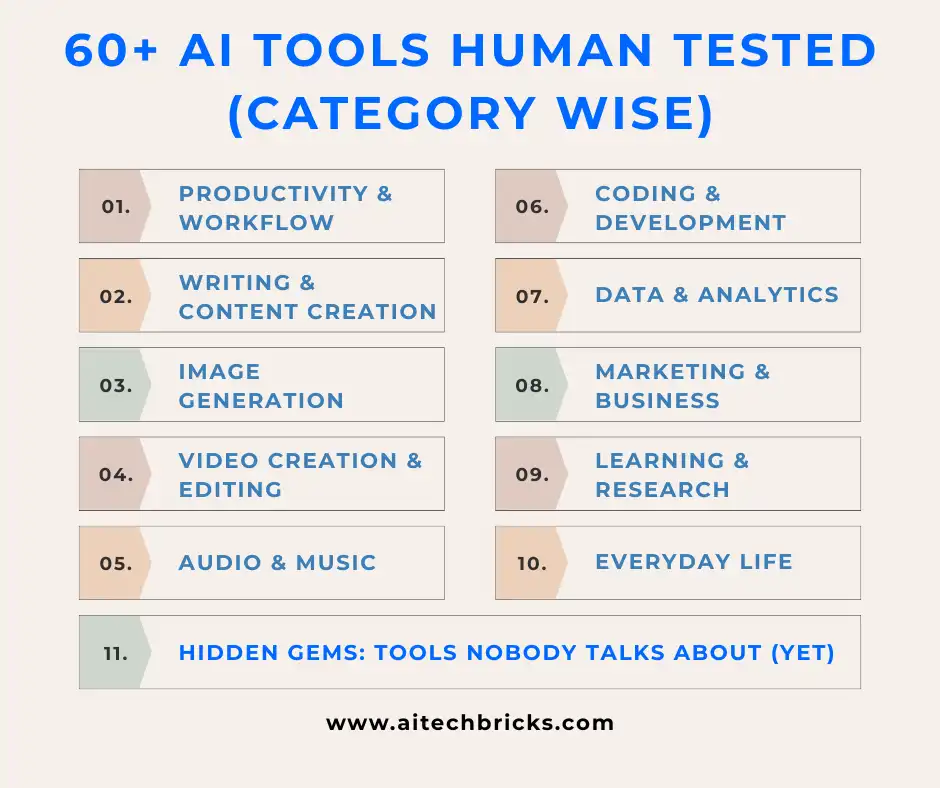
How We Picked These 66 Tools (Without Losing Our Sanity)
As we just speek, there is another AI tool launched and the same way, there are thousands of AI tools and 90% of them are like identical twins but with just different logos.
So, we filtered the noise using four human-first criteria:
- Practical Use: Does it actually help in real workflows, or is it just another gimmick with “AI” slapped on it?
- Adoption & Community Buzz: Are real users recommending it on Reddit or Product Hunt, or is it running on marketing fumes?
- Affordability: We avoided tools that cost more than your monthly Netflix, Spotify, and caffeine combined.
- Sustainability: Is the tool actively updated and supported? Or will it vanish the moment you finally learn to use it?
If something made the cut, it is because it either saved hours, reduced headaches, or made people say “wow” out loud.
AI Tools for Productivity & Workflow: Your New Digital Sidekicks
I have this headache every day, even a small task will be added under to-do lists and the list goes on goes on like never ending road.
In fact, many of these tools aren’t just handy—they power full marketing workflows, and if you want to see how they fit into real strategies, my guide on AI in Digital Marketing breaks down exactly where each tool delivers the biggest impact.
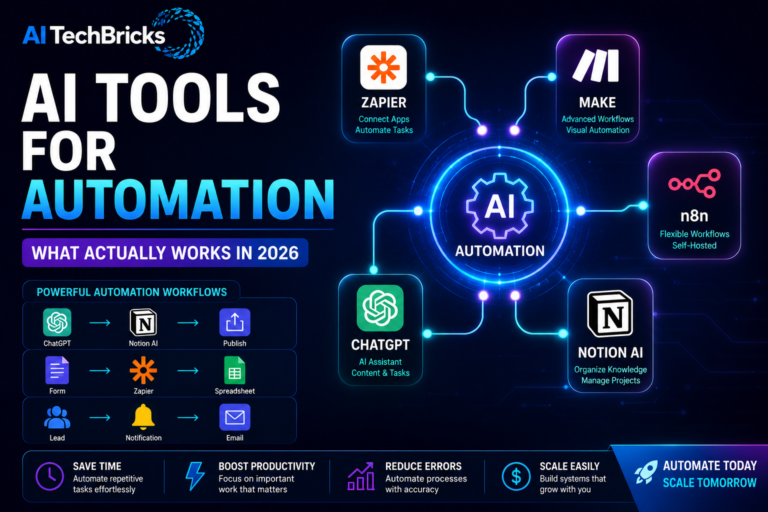
1. Notion AI – Make your workspace smarter. It summarizes notes, organizes chaos, and somehow makes planning meetings almost fun which you never want to miss.
2. ClickUp Brain – Think of it as your project manager’s assistant. Automates updates, suggests task priorities, and even drafts emails based on your task logs. Such a great help it is!
3. Taskade – Turns your messy ideas into structured workflows. It’s like brainstorming with ChatGPT, but visually satisfying.
4. Magical AI – Auto-generates replies, fills repetitive forms, and works across Gmail, LinkedIn, and CRMs. Basically, your shortcut to inbox zero.
5. Motion – Uses AI to schedule your day — automatically rearranging meetings and tasks when life happens (which it always does).
6. Tability – Keeps your OKRs alive instead of dying in spreadsheets.
If you rely on these tools to stay structured, you will also appreciate the GPT prompts for productivity and business workflows, which act like a set of ready-made assistants for planning, writing, or decision-making.
AI Tools for Writing & Content Creation: The Real Co-Writers
The truth is not every AI writer can replace your creative spark. The grammar we use, the fun we make in words, and an expressive expressions. But, there will be some grunt work, and these AI tools are so good at removing that.
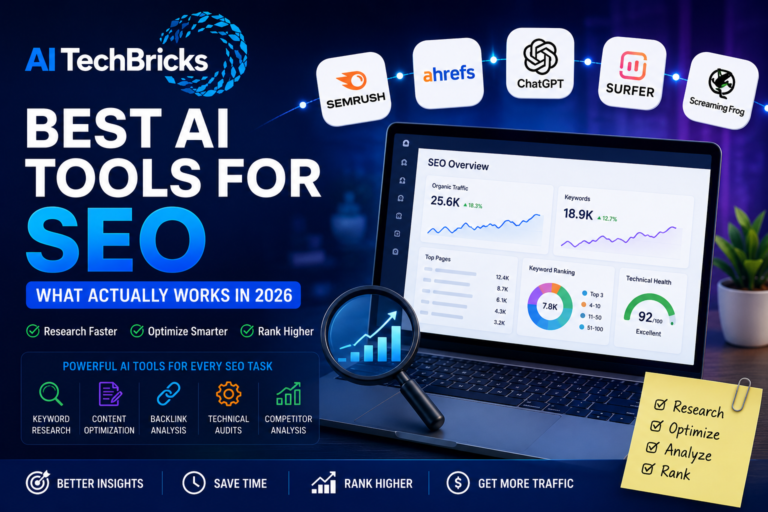
If your primary focus is ranking higher, make sure you explore our deep dive on the best AI SEO tools to boost marketing ROI, because pairing the right writer with smart SEO tools is where the real growth happens.
7. Jasper AI – Think of it as your brainstorming buddy. Great for ad copy, blog intros, and outlines that don’t sound robotic.
8. Writesonic – Perfect for marketers. It integrates with SEO data and even offers an AI article rewriter that sounds more human than most interns.
9. Sudowrite – A godsend for storytellers and novelists. It adds emotions, metaphors, and rhythm — not just words.
10. HubSpot AI Content Assistant – Writes emails, landing pages, and social content directly inside HubSpot. No tab juggling.
11. Rytr – Still one of the simplest and cleanest tools for quick copy generation.
12. Neuroflash – Excellent for multilingual writing and brand tone control.
We are not replacing creativity here, just speeding it up and if you are a creator who depends heavily on scripting, editing, or repurposing, you wll love the curated GPT prompts for content creators that simplify 80% of your workflow.
AI Tools for Image Generation: The Art Side of Algorithms
We spent hours on creating a small featured image for a blog post, and if it is a infographic, don’t even expect to sleep. Yeah, those days.
And now, just giving a sentence is more than enough to create a beautiful design which exactly fits our requirements.
Here are the image generators that actually get it right in 2025:
13. Midjourney v6 – Still the gold standard for aesthetics. Its realism and lighting control feel like a blend of Pixar and Vogue.
14. Leonardo AI – Designers love it because it balances speed, detail, and creative flexibility.
15. Ideogram – Perfect for text-to-image posters. The typography inside images? Shockingly accurate now.
16. Playground AI – Great for casual creators. Free tier, clean UI, and instant remixing.
17. Adobe Firefly 2 – Integrated inside Photoshop — because let’s be honest, real designers need native power, not extra tabs.
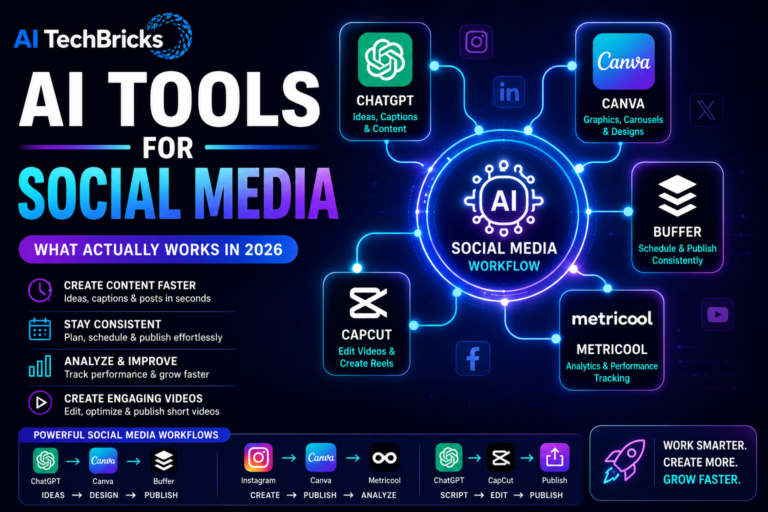
18. Canva AI Magic Media – For social media creators who want speed over perfection.
19. KREA.ai – Wildly good for real-time style mixing. It’s what artists use when they don’t want to touch prompts all day.
And honestly, the pace of improvement is wild, many of these image models came straight from the core AI trends shaping 2025, which explain why creativity tools are evolving faster than creators can keep up.
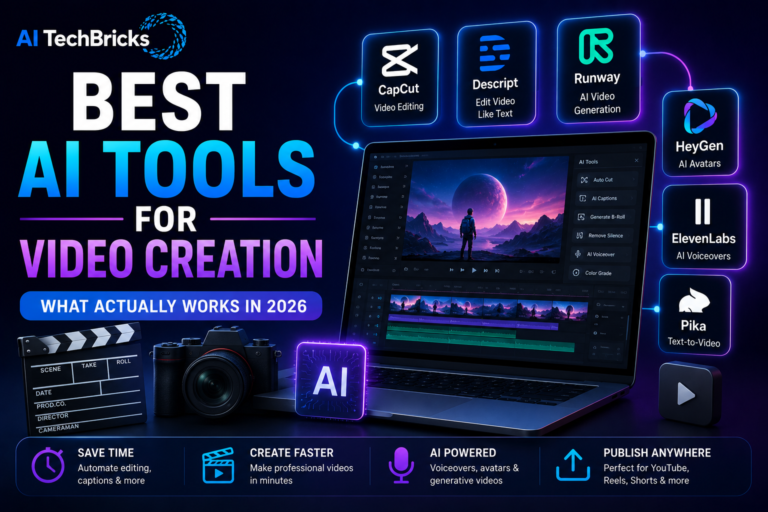
AI for Video Creation & Editing Tools: Because Not Everyone Has a Studio
I just started a YouTube channel on my passion niche, and I spent hours trimming, cutting, attaching and when I came across these tools, it’s worth time saving.
20. Runway ML Gen-3 – The cinematic AI. Generates video scenes from text with uncanny realism.
21. Pika Labs – Great for creators who want to turn ideas into short videos fast. Think TikToks, product explainers, trailers.
22. Descript – Still unbeatable for editing videos like text. Delete a word, and the cut happens automatically.
23. Synthesia – Turns scripts into AI avatar videos. Perfect for training or explainer content without hiring presenters.
24. VEED.io – User-friendly, browser-based, and now with auto translations and subtitles.
25. OpusClip – Social media secret weapon. Turns long videos into viral short clips, complete with auto hooks.
If you’ve got ideas but no camera crew, these tools will make you look like you do.
AI for Audio & Music Tools: Turning Text Into Soundtracks
Did you ever notice podcasts, two people with closed doors, and the voice with a clear picture clarity, that is AI doing.
26. ElevenLabs – Voice cloning so natural it’s borderline eerie (and yes, ethical use matters).
27. Cleanvoice – Removes filler words and awkward pauses. Your “uhms” never stood a chance.
28. AIVA – Composes royalty-free music in multiple moods. Ideal for YouTubers and filmmakers.
29. Soundful – Creates AI-generated background tracks that don’t sound like elevator music.
30. Podcastle – Podcast production made easy — record, edit, and publish from one dashboard.
31. Krisp AI – Noise cancellation that just works. Every remote worker’s silent hero.
Music production, voiceovers, or podcast editing — AI now handles all three like a backstage pro.
Coding & Development AI Tools: The Devs’ New Copilot
Just editing my website at night hours will be like, oh wow I just fixed the menu and what about the rest of the site structure? And let’s be honest, no one loves debugging at midnight.
AI tools are now doing the heavy lifting so developers can focus on what actually matters — solving problems, not syntax.
32. GitHub Copilot X – Still the best coding partner. Predicts entire lines, comments, and functions before you even blink.
33. Tabnine – Lightweight and privacy-safe alternative to Copilot. Great for enterprise teams.
34. Replit Ghostwriter – For indie devs and learners. Code, run, and fix in one tab.
35. Mutable.ai – Turns plain English into optimized code blocks instantly.
36. Codium AI – Writes test cases automatically. Saves hours of QA pain.
37. Cursor IDE – A fast-growing VSCode rival with deep AI-native integration.
Developers are calling it “autocomplete on steroids.” And honestly? Fair.
Data & Analytics AI Tools: Because Spreadsheets Deserve a Brain
I love numbers just because of this data and now it talks back. It’s a lovely conversation.
38. Akkio – No-code AI for data analytics. Perfect for marketers who hate Excel formulas.
39. Obviously AI – Upload your data, ask a question, get insights — like having your own data scientist.
40. MonkeyLearn – Text analytics made simple. Great for sentiment or feedback analysis.
41. Levity AI – Automates classification of documents, emails, or customer feedback.
42. Power BI Copilot – Microsoft’s AI finally turned dashboards conversational.
43. ChatGPT Advanced Data Analysis – For pros who love scripting but hate switching tools.
These tools make analytics feel less like math homework and more like detective work.
AI Tools for Marketing & Business: The Money-Makers
As a marketing person we have to adapt to the new changes, if not we are leaving our target customers then and there itself. It means, we are leaving money on the table.
44. HubSpot AI – Automates emails, ads, and lead scoring like a boss.
45. ClickUp Brain (again) – Task automation meets business intelligence.
46. Surfer SEO – Still the SEO whisperer. AI suggestions that actually move rankings.
47. AdCreative.ai – Generates high-converting ad visuals and copy automatically.
48. Tidio AI – Smart customer support bots that don’t sound robotic.
49. Browse AI – Scrapes competitor data or product listings with simple instructions.
AI isn’t replacing marketers. These are like AI Superheroes.
AI for Learning & Research Tools: Study Without the Struggle
Students, researchers, and knowledge junkies — this section is for you who loves research just like me.
50. Perplexity AI – Like Google and ChatGPT had a well-researched baby. Clean, fast, and sources everything.
51. Elicit – Automates research papers and literature review summaries.
52. Scholarcy – Extracts key findings from PDFs in seconds.
53. Explainpaper – Upload any dense paper, get a simple breakdown.
54. Consensus – Uses real research papers to answer scientific questions.
55. Notion AI (again) – Great for summarizing course notes.
It’s not cheating — it’s just smarter learning.
AI Tools for Everyday Life: Little Things, Big Impact
Some of the best AI tools are the ones you use without even realizing it.
56. Rewind AI – Records your digital life so you can “Ctrl+Z” real conversations.
57. Otter.ai – Best meeting notes app, hands down.
58. SaneBox – Declutters your inbox automatically.
59. You.com – Personalized AI search engine that’s surprisingly accurate.
60. Personal.ai – Creates a digital version of you — your second brain for notes and memory.
61. Humata.ai – Reads and explains PDFs like a human assistant.
These tools don’t just save time — they save sanity.
Hidden Gems: AI Tools Nobody Talks About (Yet)
These are the underrated heroes quietly winning loyal fans:
62. Gamma App – AI presentations that don’t look like PowerPoint purgatory.
63. BlackBox AI – Code snippet search across YouTube videos.
64. FlowGPT – Library of community-tested prompts that actually work.
65. PromptPerfect – Optimizes your prompts for better output.
66. Bing Image Creator (DALL·E 3) – Surprisingly solid for fast image creation.
The best part? Most of these are free or freemium — perfect for experimenting before committing.
Conclusion
Checking out all the 100 tools will be a real headache until you find your right 5 for your workflow.
Once you find them, you feel like it’s worth a try.
Pick one from each category, master it, and let it do the grunt work while you focus on thinking, creating, or just being human.
Always remember that AI is not a replacement option, just as we have an oven, did we kick out the gas stoves, no!. Because we use the oven for baking and other tasks which take more time on sthe tove.
Just like that, AI will help us to do all those chores while we focus on the main course to be prepared.
In 2025, the smartest move isn’t using every AI; it is knowing which ones deserve your attention.
Frequently Asked Questions (FAQs)
1. How do I know which AI tools are actually safe to use?
Always check if they disclose data storage or usage policies. Reddit users often mention privacy flags — avoid tools that don’t let you delete your data.
2. Is it worth paying for premium AI tools?
Depends on how often you use them. Quora users often say free plans are fine for light use, but premium tiers usually save enough time to justify the cost.
3. Which AI tools are best for students?
Perplexity AI, Elicit, and Scholarcy — all three are highly rated by students on r/StudyTips and Quora threads.
4. Can AI tools replace freelancers or full-time employees?
Not really. Most Reddit users agree — AI can speed up work, but it still needs human review for tone, accuracy, and context.
5. How do I stay updated on new AI tools?
Follow Product Hunt’s “AI” tag and Reddit’s r/AITools. You’ll see new tools before they hit mainstream news.